 jooootv
Use your phone as a TV remote (typing gets so much easier)
Typing a web address or a search with the remote's arrow keys, one letter at a time, is miserable. Most recent smart TVs can be controlled from your phone, full keyboard included.
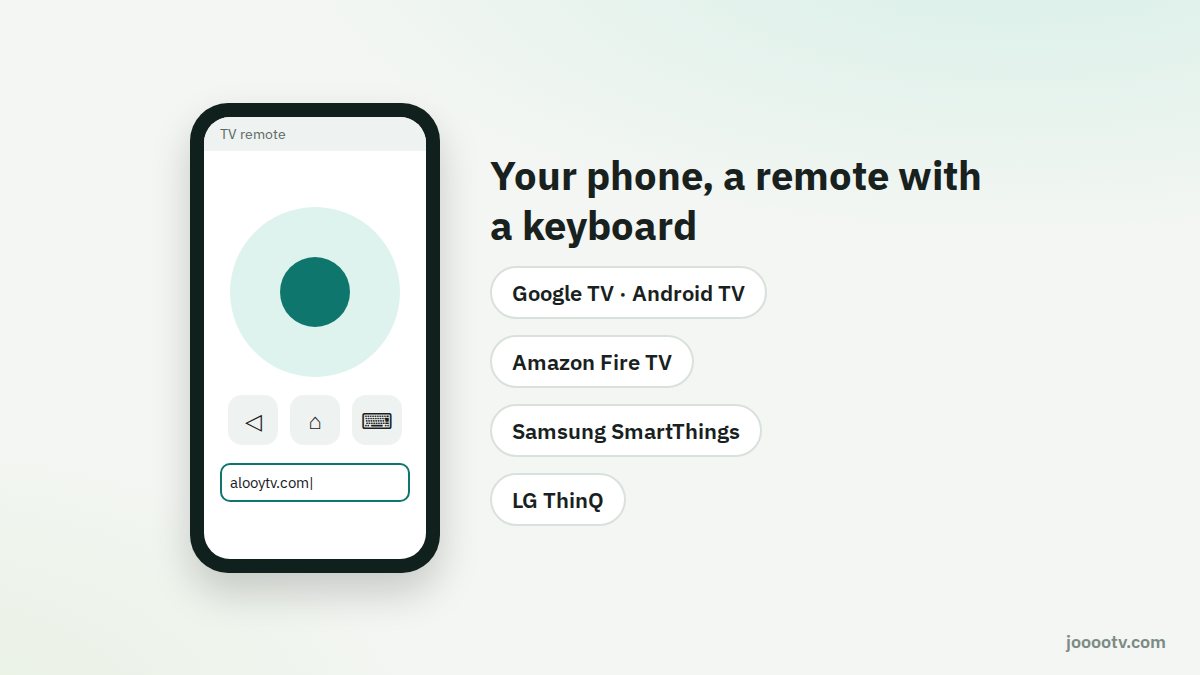
Google TV and Android TV
- On Android, pull down quick settings and look for the TV remote tile (Google TV Remote). If it isn't there, tap the edit (pencil) button and add it. On iPhone, install the Google TV or Google Home app from the App Store; both have a remote.
- Pick your TV from the list. A code will appear on the TV; type it into your phone.
- Use the touchpad to move around and the keyboard icon to type.
Fire TV
Install the Amazon Fire TV app on your phone, pick your device, and enter the code shown on the TV. It works on Android and iPhone, with a keyboard and play/pause.
Samsung TVs
The SmartThings app: add the TV as a device, open it, and you'll find a full remote. It can also turn the TV on and off.
LG TVs
The LG ThinQ app: add the TV and accept the pairing request that pops up on screen.
The one requirement: phone and TV on the same Wi-Fi. If the TV doesn't show up, restart it and check your phone isn't on mobile data.
Why bother?
- Typing addresses: when installing from Downloader or typing into the TV's browser, it takes seconds.
- Backup remote: batteries dead, or the remote's gone down the back of the sofa again? Your phone takes over.
- Control from another room: some apps let you pause or mute from elsewhere in the house, as long as you're on the same network.
Original remote not working?
- Swap the batteries, and check they're the right way round.
- Bluetooth remotes, like the Fire TV and Google TV ones, sometimes need re-pairing: on Fire TV hold Home for ten seconds; on Google TV go to Settings → Remotes & Accessories.
- For infrared remotes, use your phone camera: point the remote at it and press a button. If you see a light flashing, the remote works and the problem is the TV's receiver.
Ready? This button always opens the watch site at its current address.
Open the watch site