 jooootv
What happened to joootv? It never shut down, it just changed its name
If your joootv app stopped working one day, or you searched for it and found nothing, it's almost certainly not because it shut down. The service is still running. It just goes by a new name now: AlooYTV. Arabic speakers often write it as «الوي تي في».
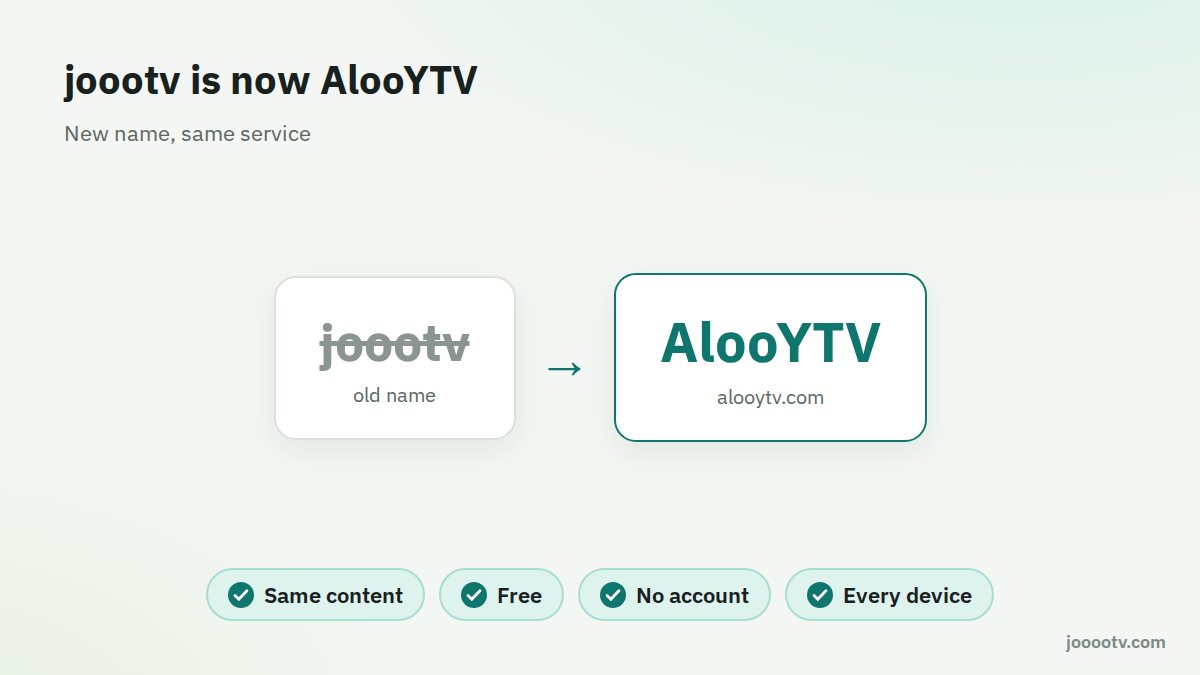
So what actually changed?
Two things, really: the name and the addresses. joootv (which plenty of people spelled jooootv, with four o's) became AlooYTV, and the service now has one fixed official home at alooytv.com.
And what stayed the same?
- The content: live channels, Gulf, Arabic and Turkish series, and movies.
- How you use it: free, and no sign-up or login.
- Where it works: phones, smart TVs, TV boxes and computers.

Why rename an app at all?
It happens more than you'd think, and the reasons are usually practical. A name that's easier to remember and type. One identity for the site and the app. Getting away from copycat versions that grew up around the old name. joootv had that last problem badly: people spelled it joootv, jooootv, jootv, and every spelling turned up different results, some of them not even related to the real thing.
I still have the old version. What now?
- Uninstall it. Old joootv builds don't get updates, and they can just stop playing one evening.
- Get the current version from the official source. That means alooytv.com or the download button on this page, not a file someone forwarded in a group.
- Install it as shown in our guide. If Android says "App not installed", the old version is usually still hanging around. Here's the fix.
Spotting the right one in search results
Search the old name and you'll get a pile of similar-looking results. Keep three things in mind: the current name is AlooYTV, the official site is alooytv.com, and the service is free with no subscription. Anything that breaks one of those rules deserves a second look.
What about my favourites?
If you kept a favourites list inside the old joootv app, it probably won't carry over, because the new app is a fresh install. The low-tech fix works best: before you uninstall, jot down or screenshot what you were following, then look it up again in the new version.
Will the name change again?
Nothing suggests it will. The watch site's address can change from time to time, though, and that's a different thing. That's exactly why we keep one fixed "Watch site" button on every page of jooootv.com. It always points to the current address, so you never have to chase new links.
Give it a go at the current address, or grab the app from the official source.
Open the watch site