 jooootv
Watching on mobile data without burning through your package
Watching on mobile data is convenient, but it can eat your package faster than you'd expect. Knowing the numbers and changing a couple of settings is enough to keep it in check.
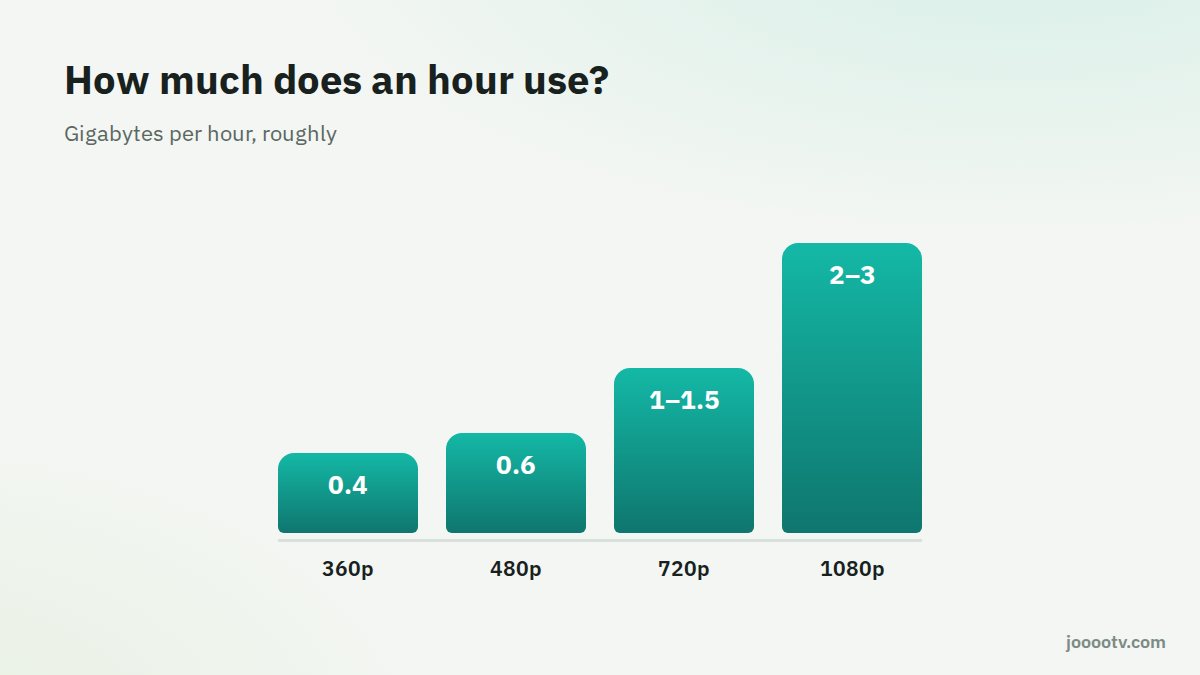
How much does an hour use?
| Quality | Rough usage per hour |
|---|---|
| Low (360p) | 300 to 500 MB |
| Standard (480p) | 500 to 700 MB |
| HD (720p) | 1 to 1.5 GB |
| Full HD (1080p) | 2 to 3 GB |
So a 45-minute episode in 720p comes to about 1 GB. On a phone screen you'll barely see the difference between 480p and 720p, but your data will.
Five habits that save your package
- Pick the quality yourself in the player settings instead of leaving it on "Auto" when you're on mobile data.
- Save long episodes for Wi-Fi and use data for the short stuff.
- Turn on data saver: on Android under Settings → Network & internet → Data Saver, and on iPhone under Settings → Mobile Data → Mobile Data Options → Low Data Mode.
- Don't leave things running: a live channel playing in the background keeps using data even if you're not looking at it.
- Keep an eye on it: your phone's settings show how much each app used this month, and you can set a warning at a limit you choose.
Hotspotting the TV? Careful
Some people turn on their phone's hotspot to watch on the TV. The big screen will usually pick the highest quality it can, so it can chew through 2 or 3 GB an hour. If you have to do it, set the quality manually in the player before you press play.
A quick monthly sum
One 45-minute episode a day at 480p (about 450 MB) adds up to around 13 GB a month. The same episode every day in 1080p could be 60 GB or more. That's a big difference, and your phone won't make it obvious.
Ready? This button always opens the watch site at its current address.
Open the watch site