 jooootv
How to check an APK file before you install it
Every app installed from outside Google Play comes as an APK file. The best protection is downloading from the official source, but scanning the file before installing is an extra layer that takes about a minute.
Option 1: VirusTotal
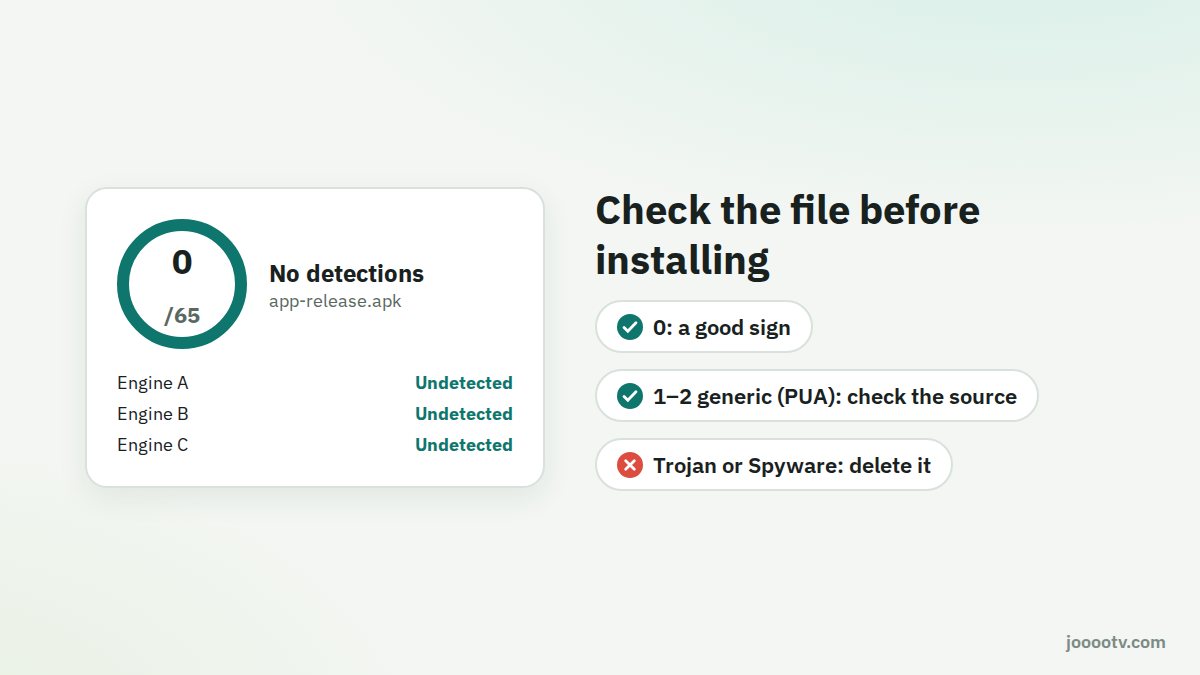
VirusTotal is a free service owned by Google that checks a file against dozens of antivirus engines at once.
- Open virustotal.com in your phone or computer browser.
- Tap Choose file and select the APK from your Downloads.
- Wait for the scan to finish. Big files can take a minute.
Reading the result
| Result | What it means |
|---|---|
| 0 out of 60 or more | Nothing detected. A good sign. |
| 1 or 2 with a generic name like Riskware, PUA or Generic | Usually a broad flag that shows up on lots of apps from outside the store, not necessarily a virus. Double-check the source. |
| Several hits named Trojan, Spyware or Banker | Don't install it. Delete the file. |
Don't judge by the number alone. Judge by source and result together. A file from the official site with one generic flag is a very different thing from a file someone sent you on WhatsApp with ten detections.
Option 2: Google Play Protect
Play Protect checks apps on Android phones, including ones installed from outside the store.
- Open Google Play → your profile picture → Play Protect.
- Tap Scan.
- If it finds something harmful, it'll offer to remove it.

Red flags a scan won't catch
- Size: a file much bigger or smaller than usual.
- Name: something odd like "joootv_pro_mod_unlocked.apk".
- Permissions: asking for things that make no sense after installing, like SMS, contacts or Accessibility.
- How you got there: a pop-up ad telling you "your phone is infected, install this app".
Remember
Scanning doesn't replace a trusted source. Download from the official site, scan if you like, then install. If anything looks off afterwards, check our signs of a fake version and what to do if you find one.
Start with a file from the official source.
Download page