 jooootv
The link stopped working? How to always get the current address
You save a link that works today, open it a few weeks later, and nothing. That happens because the watch site's address changes from time to time, while the name and the service stay exactly the same.
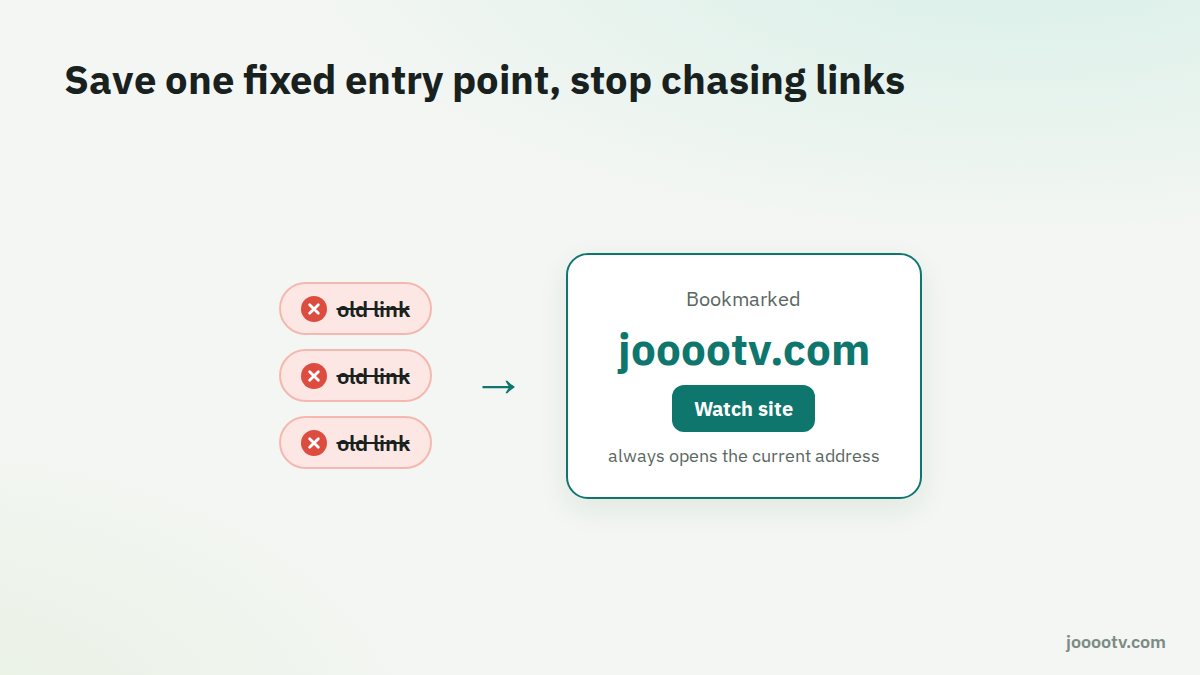
Why does the address change?
Free streaming sites move addresses every so often for technical reasons, like spreading load across servers or moving to faster infrastructure. For you the result is the same either way: the old link stops, and a new one works with the same content.
The permanent fix: save a fixed entry point
Instead of chasing every new address, bookmark something that never changes and always sends you to the current one:
- jooootv.com: the "Watch site" button at the top of every page updates itself.
- alooytv.com: the official site, which also has the current download links.
Add either one to your bookmarks or your phone's home screen and forget about links.
Why not just use the link from the group?
- Old messages in WhatsApp and Telegram groups stay there after the address changes, so they keep sending people to dead links.
- Some people posting "the new link" use shorteners that bounce you through ad pages, or link to copycat versions.
- You can't tell from the link itself whether it's official.
The right link won't open either?
- Try a different network. If it opens on mobile data but not on Wi-Fi, the problem is your router or network settings.
- Clear the browser's data for the site, or try a private window.
- Try changing DNS as explained in the buffering guide.
Watch out for "new link" ads
When a well-known link stops working, pages and ads saying "the new link is here" appear fast. Some will ask you to install a browser extension, allow notifications, or download a "player" first. Say no to all of it. The watch site doesn't need extensions or notifications.
Already allowed some spammy notifications?
- Android (Chrome): Settings → Site settings → Notifications, and remove anything you don't recognise.
- Computer: browser settings → Privacy → Site settings → Notifications.
This button always opens the current address.
Open the watch site