 jooootv
"App not installed" on Android: the five real causes and how to fix each
"App not installed" is one of the least helpful messages Android has. It doesn't tell you why. The good news is there are only a few real causes. Start with the first one; it's the most common for anyone coming from joootv.
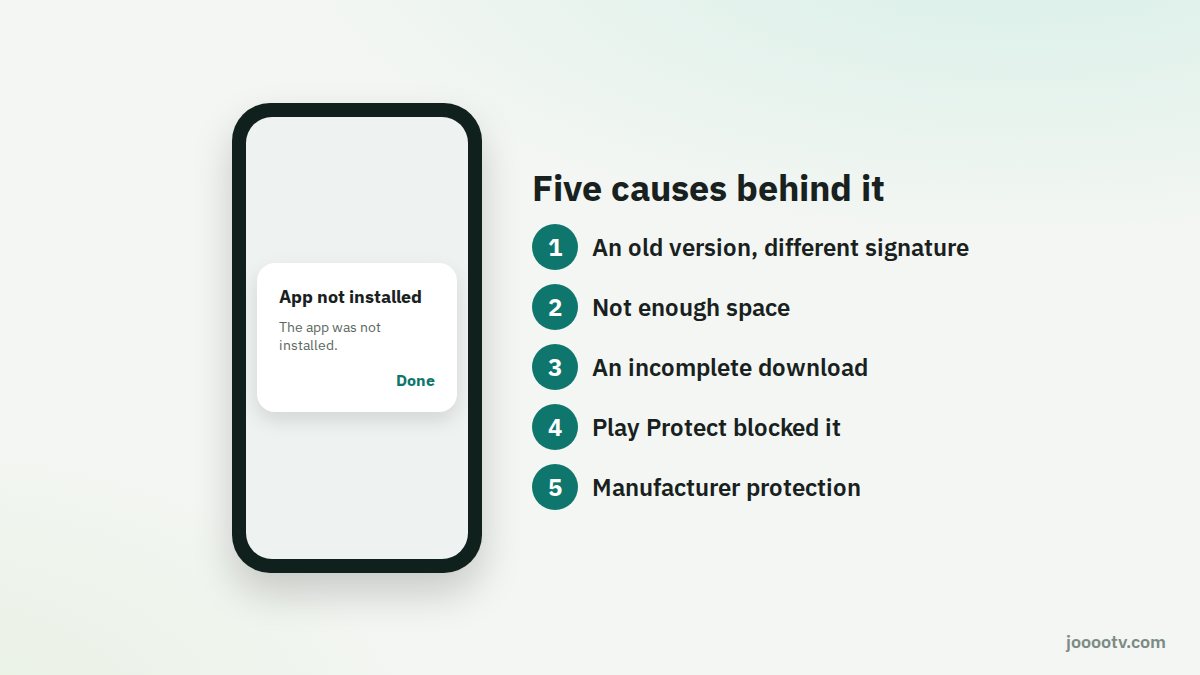
1. An old version with a different signature
If there's an older version on your phone (from joootv, or from an unofficial source), Android won't install a new one with a different signature over the top of it.
Fix: Settings → Apps → find the old version → Uninstall. Then install the new file.
2. Not enough space
Installing needs more room than the file itself, because Android unpacks it first.
Fix: free up at least 200 MB. Delete old videos, or clear the cache of a couple of big apps, then try again.
3. The download didn't finish
If your connection dropped mid-download, you end up with a broken file that still has the right name.
Fix: delete the file from Downloads and download it again on a stable connection, ideally Wi-Fi.
4. Play Protect stopped it
Google Play Protect can throw a warning on apps from outside the store.
Fix: if the file came from the official source, tap "More details" and then "Install anyway". Don't do that with a file you can't vouch for.
5. The manufacturer's protection
On some newer Samsung phones, Auto Blocker stops any install from outside the stores.
Fix: turn it off for a moment under Settings → Security and privacy → Auto Blocker, install, then switch it back on.
Tried everything?
Restart the phone and give it one last go. If your phone is very old (Android 6 or earlier), it may not support the current version. In that case, watch straight from the browser using the "Watch site" button.
Stopping it from happening again
- Always install from the same place, the official site, so new versions update over old ones without clashing.
- Keep a reasonable amount of free space on the phone.
- When updating, follow our safe update guide.
Get a clean copy from the official source.
Download page