 jooootv
Parental controls: keeping it age-appropriate on every screen
Kids sometimes spend more time on phones and TVs than the grown-ups do. The parental controls built into these devices are free, and most take under fifteen minutes to set up. Here's how on each one.
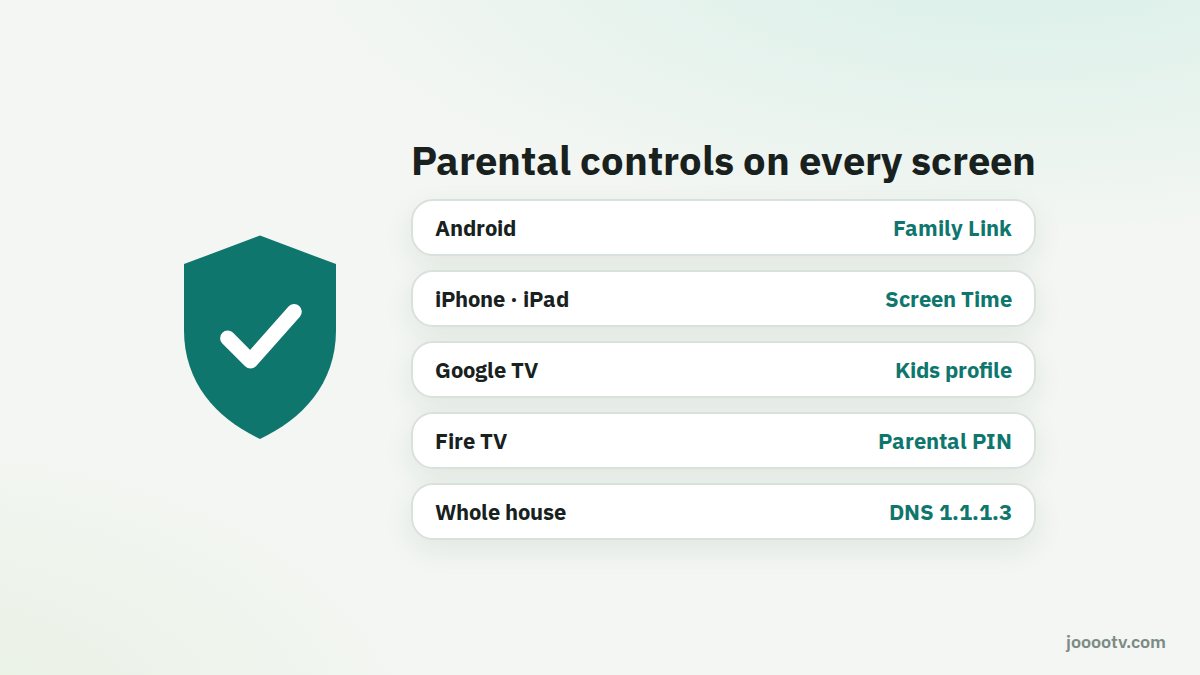
Android phone or tablet: Google Family Link
- Install Family Link on your own phone.
- Create a Google account for your child, or add their existing one for supervision, and follow the linking steps on their device.
- From the app you can set a daily screen time limit, a "bedtime" when the device locks, approve apps before they're installed, and filter Google Play content by age.
iPhone and iPad: Screen Time
- Settings → Screen Time → turn it on and choose "This is My Child's iPhone".
- Content & Privacy Restrictions: set age ratings for films and apps, and limit adult websites in Safari.
- Downtime: hours when only the apps you allow will work.
- Use a Screen Time passcode that's different from the device passcode.
With Family Sharing set up, you can manage all of it from your own phone.
Google TV
On the home screen, select your profile picture → Add a kid. The kids profile only shows apps you pick, and you can set a daily watch limit and a bedtime.
Fire TV
Settings → Preferences → Parental Controls → turn on and set a PIN. After that, the device asks for the PIN to open apps and content above the rating you choose.
The whole house: a family DNS
For a layer of protection on every device connected to your Wi-Fi at once, you can change the DNS in your router to a family service that blocks adult and malicious sites:
- Cloudflare for Families: 1.1.1.3 and 1.0.0.3 block malware and adult content.
- Other options include CleanBrowsing and OpenDNS FamilyShield.
You enter it in the DNS settings of your router's admin page (see the router guide). Note it doesn't apply when the phone is on mobile data, so treat it as an extra layer, not a replacement for device settings.
The non-technical part
- Keep the TV in a shared room rather than the bedroom for younger kids.
- Agree on viewing times together instead of sudden bans.
- Watch with them sometimes. The best control is knowing what your kids like.
- Check the settings every few months. Kids grow up, and sometimes find ways around them.
Get to know the service before your kids use it.
Official site