 jooootv
Watching on iPhone and iPad without the App Store
There's no official app in the App Store, and anything there using the name isn't from the real service. On iPhone and iPad you watch straight from the browser, and with one small step you get an icon that opens just like an app.
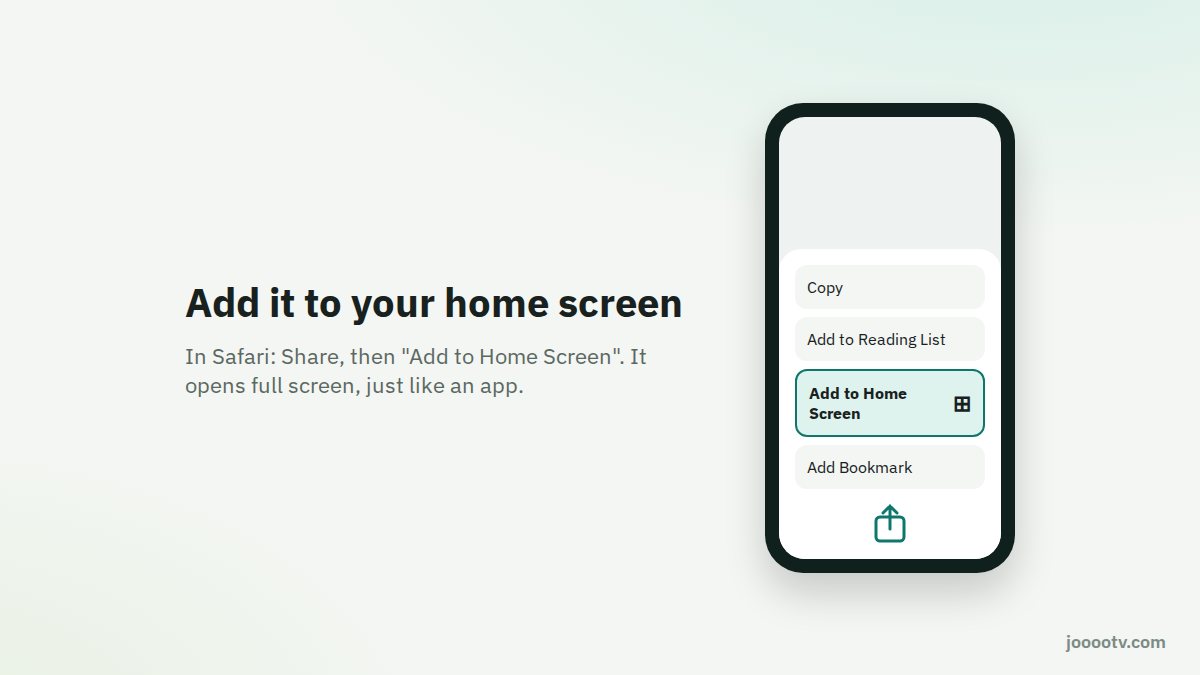
Add an icon to your home screen
- Open Safari and tap the "Watch site" button on jooootv.com. It opens the current address.
- Tap the Share button: the square with an arrow pointing up. It's at the bottom on iPhone and at the top on iPad.
- Choose "Add to Home Screen" from the list, then "Add".
- Open the new icon from your home screen. It opens full screen, without the browser bars.

Tips for watching on iPhone
- Full screen: turn the phone sideways once the video starts, and make sure Rotation Lock is off in Control Center.
- On the TV: if you have an Apple TV or a TV with AirPlay, use Screen Mirroring from Control Center.
- If the video freezes: close Safari completely from the app switcher and open it again. If it keeps happening, clear the site's data under Settings → Safari → Advanced → Website Data.
Why the browser and not an app?
Apple doesn't allow installing apps from outside the App Store in most countries, so on iPhone the service runs in the browser. The upside is there's nothing to update or reinstall. Every improvement just shows up the next time you open it.
Does it work in Chrome on iPhone?
Yes, it plays in Chrome too. But for years "Add to Home Screen" only existed in Safari, and other browsers only got it in recent versions of iOS. If you don't see the option in your browser, use Safari to add the icon.
Kids and the iPad
If the iPad is the kids' one, set up Screen Time and content restrictions before adding any icons. Here's how in our parental controls guide.
Ready? This button always opens the watch site at its current address.
Open the watch site