 jooootv
Installing the app on an Android phone, step by step
The app isn't on Google Play, so you install it from an APK file. That's perfectly safe as long as the file comes from the official source, and the whole thing takes under two minutes.

The steps
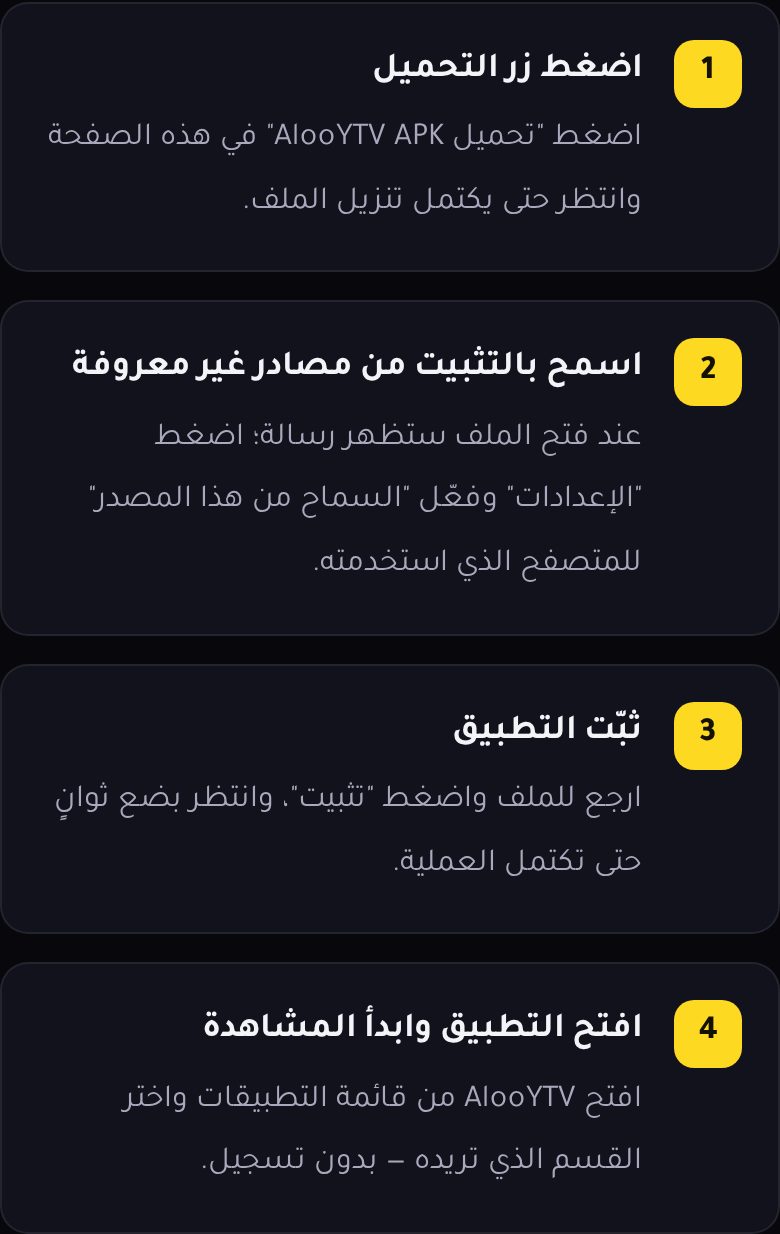
- Open the official download page using the "Download page" button at the end of this guide, and tap the APK download button. Wait for the download to finish.
- Open the file from the download notification, or from the Files app → Downloads.
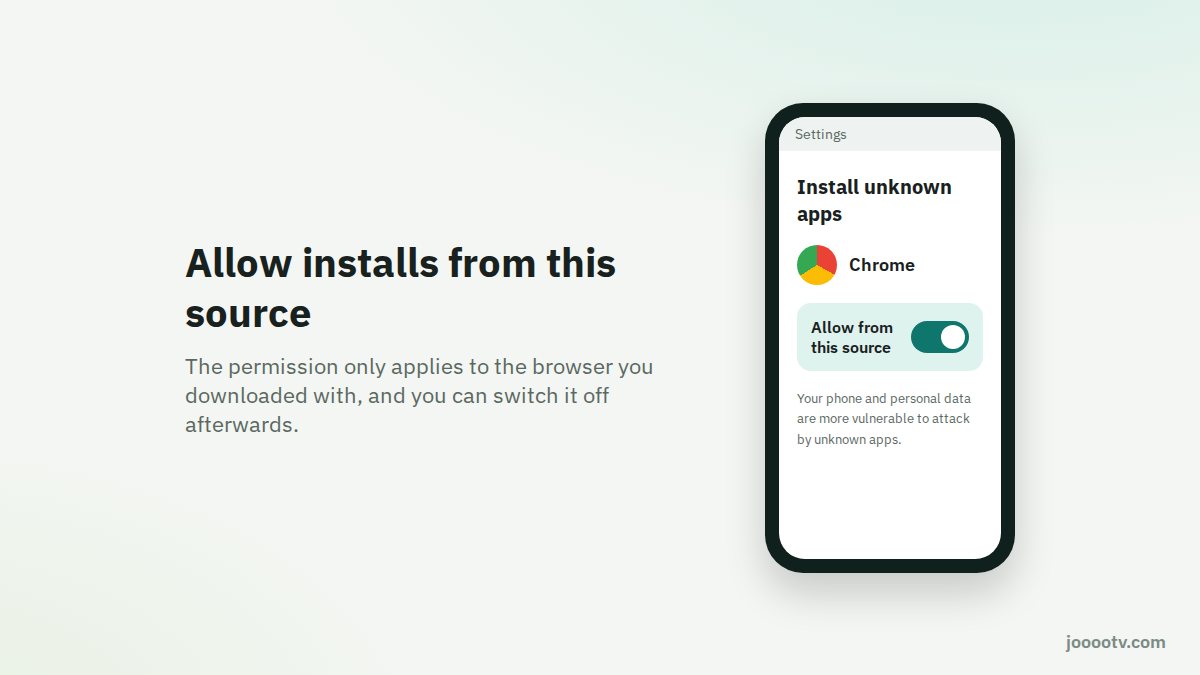
- Allow installs from this source. Android will say your phone isn't allowed to install apps from this source. Tap "Settings", switch on "Allow from this source", then go back.
- Tap "Install" and give it a few seconds.
- Open the app and pick whatever you want to watch. No sign-up, no password.
Why does Android ask about "this source"?
Since Android 8, that permission is given per app. If you downloaded the file in Chrome, you're only letting Chrome install files, not every app on your phone. Once you're done you can switch it back off under Settings → Apps → Special app access → Install unknown apps.
Samsung, Xiaomi and Huawei phones
- Samsung: you might get blocked by Auto Blocker. Turn it off for a moment under Settings → Security and privacy → Auto Blocker, then turn it back on after installing.
- Xiaomi, Redmi and Poco: the system may scan the file and make you wait a few seconds before the "Continue" button works. That's normal.
- Huawei: allow installs from external sources under Settings → Security → More settings.
Installing it for the whole family?
Don't forward the APK in your family WhatsApp group. WhatsApp can rename or mess with the file, and more importantly, it teaches everyone to install whatever arrives in a chat. Send them the jooootv.com link or the official site instead, so they download it from the source themselves.
After installing
- Delete the APK from Downloads to free up space.
- Switch "Allow from this source" off again for your browser, if you like.
- For future updates, follow our safe update guide.
Something went wrong?
The most common message is "App not installed", and it has a handful of known causes with easy fixes: see the fix here. If it installed fine but the video keeps stopping, start with the buffering guide.
Get the file from the official source.
Download page