 jooootv
Getting it on your smart TV, Android box or Fire Stick
Watching on the big screen is the best way to do it. In most of our homes, that means the TV in the majlis or the living room. If it runs Android TV or Google TV, or you've got a TV box or a Fire TV Stick plugged in, there are two ways to install the app.
First: check what your TV runs
Go to Settings → About. If you see Android TV, Google TV or Fire OS, you're good. Samsung TVs (Tizen) and LG TVs (webOS) can't install APK files. On those you can watch through the TV's browser, or plug in a small TV box, which is the nicer long-term fix.
Option 1: the Downloader app (easiest)
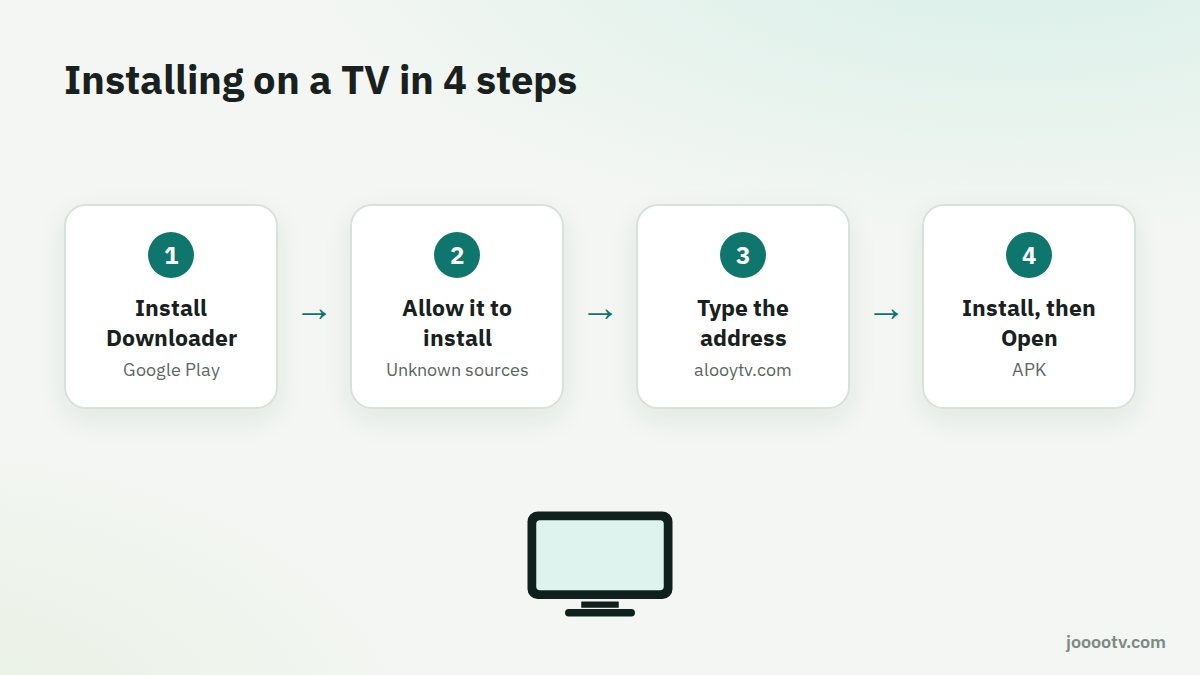
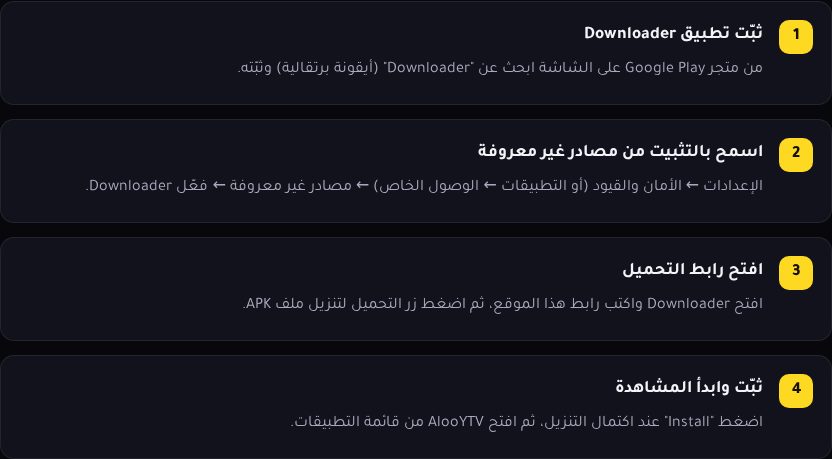
- Install Downloader from Google Play on the TV, or from the Amazon store on a Fire TV. It has an orange icon.
- Let it install apps: on Android TV go to Settings → Apps → Security & restrictions → Unknown sources → Downloader. On Fire TV go to Settings → My Fire TV → Developer options → Install unknown apps → Downloader.
- Open Downloader and type the official site's address, alooytv.com, into the address box. Go to the TV download page and press the download button.
- Press Install when the download finishes, then Open.
Option 2: a USB stick
- Download the APK on your computer from the official site and copy it to a USB stick.
- Plug the stick into the TV or TV box.
- Open a file manager on the TV (File Commander or X-plore, for example), select the file, then Install.
Tips for a better experience
- Use an Ethernet cable if you can. It does more for buffering than anything else.
- A TV box with 2 GB of RAM or more plays a lot smoother than the cheap ones.
- Restart the TV or box once a week to clear out its memory.
Typing is easier from your phone
Typing an address into Downloader with the remote's arrow keys is painful. You can use your phone as a keyboard for the TV instead: see using your phone as a remote.
Not an Android TV?
Not sure what yours is? Read how to tell what your TV runs. If you're thinking of getting a box, our TV box buying guide will help you pick a good one.
The official download link for TVs.
Download page